Getting started
Step-by-step guides for the platform, Grasshopper, QGIS and ArcGIS.
Platform
Set up a site, run analyses, inspect buildings and ask the Site Assistant, all in the browser.
 Current platform
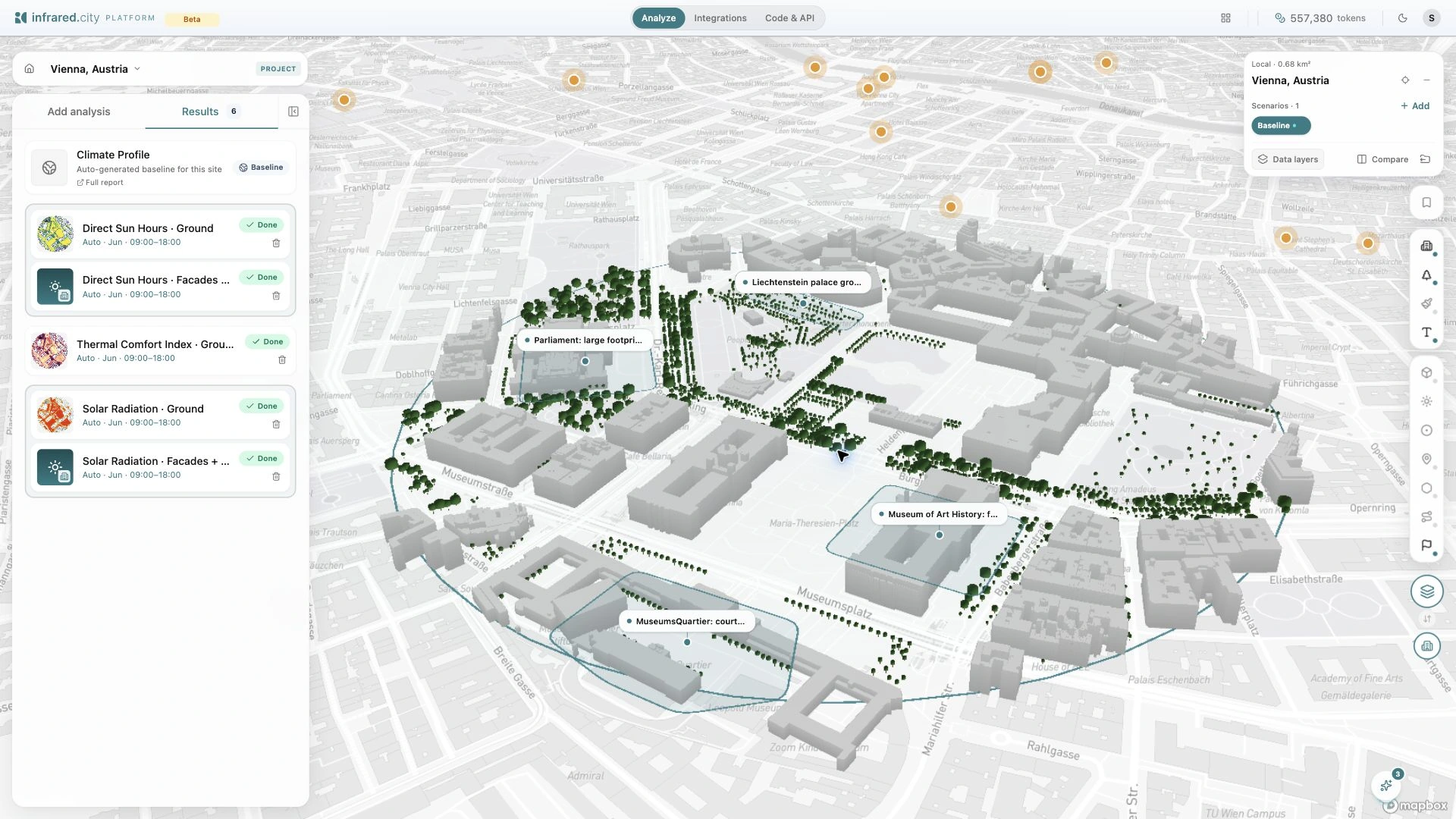
Run your first simulation
Set up a Vienna site, check the inputs, run an analysis and read the result.
25 Oct 2026
Current platform
Run your first simulation
Set up a Vienna site, check the inputs, run an analysis and read the result.
25 Oct 2026
 Current platform
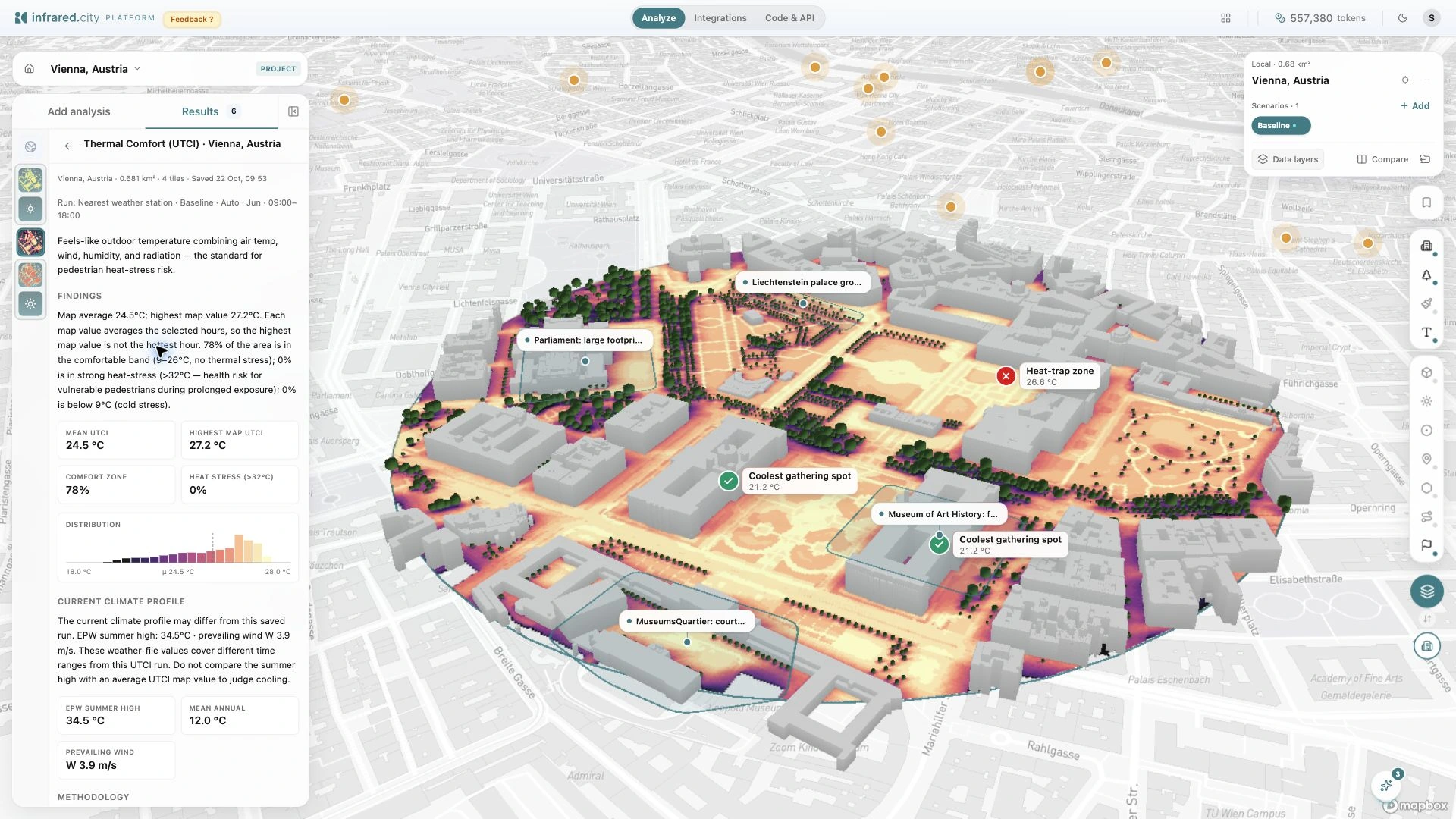
Run and read thermal comfort simulations
Choose the period, read UTCI and comfort frequency, and compare the same conditions.
25 Oct 2026
Current platform
Run and read thermal comfort simulations
Choose the period, read UTCI and comfort frequency, and compare the same conditions.
25 Oct 2026
 Current platform
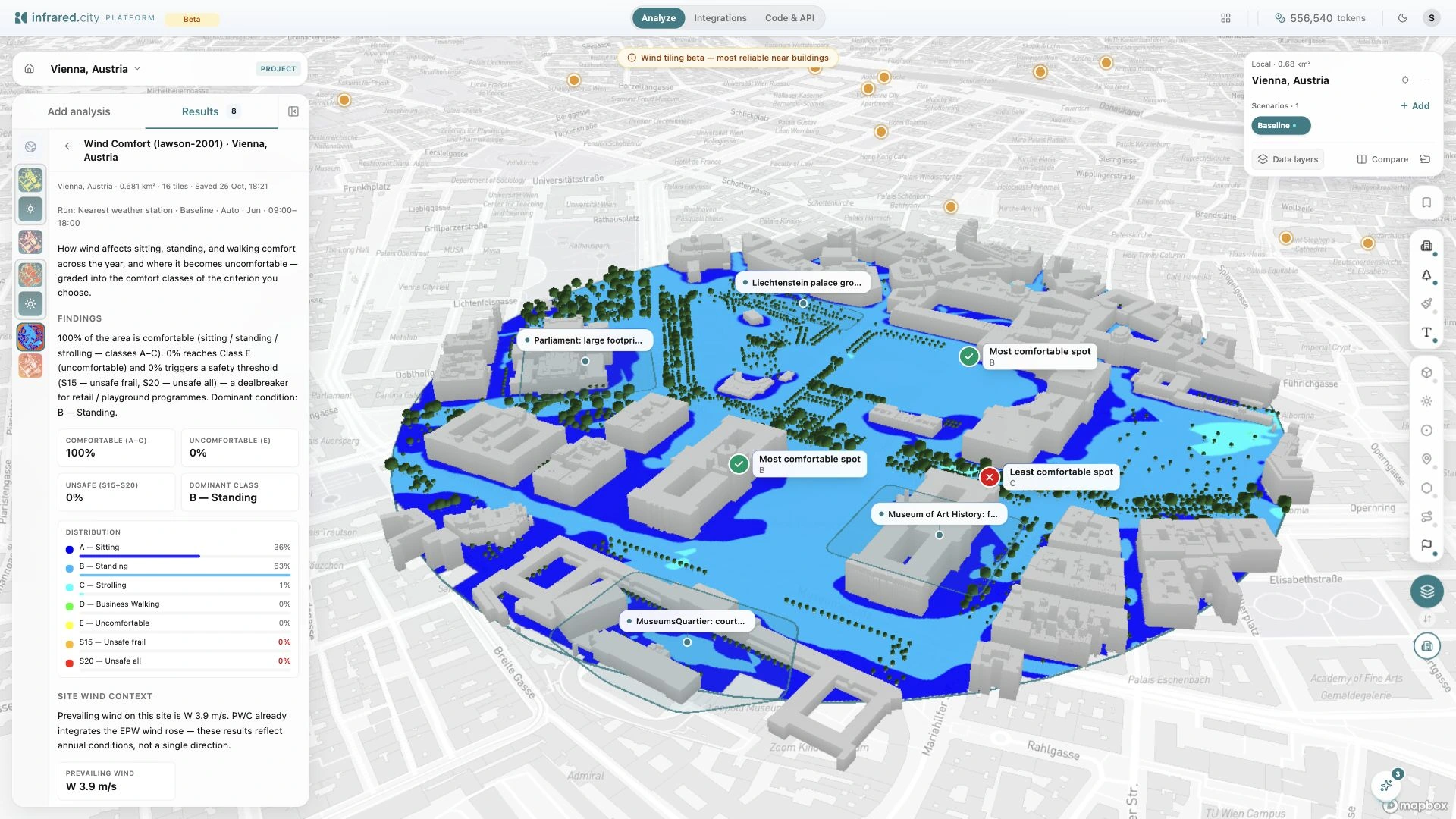
Run a pedestrian wind comfort study
Choose the comfort criterion, check the weather period and inspect the completed Vienna result.
25 Oct 2026
Current platform
Run a pedestrian wind comfort study
Choose the comfort criterion, check the weather period and inspect the completed Vienna result.
25 Oct 2026
 Current platform
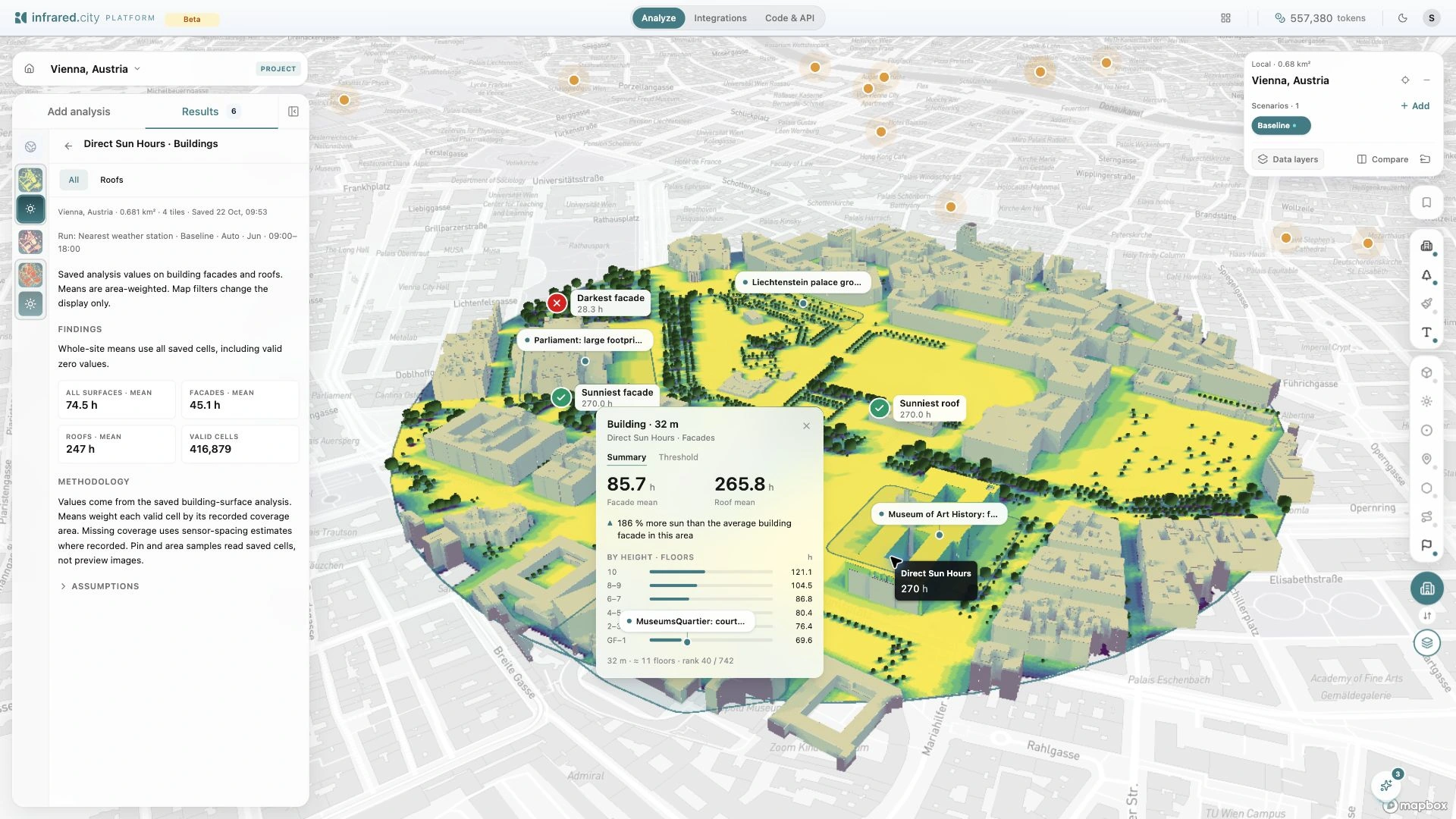
Inspect building, facade and roof results
Select a building to read facade and roof means and see how values change with height.
25 Oct 2026
Current platform
Inspect building, facade and roof results
Select a building to read facade and roof means and see how values change with height.
25 Oct 2026
 Current platform
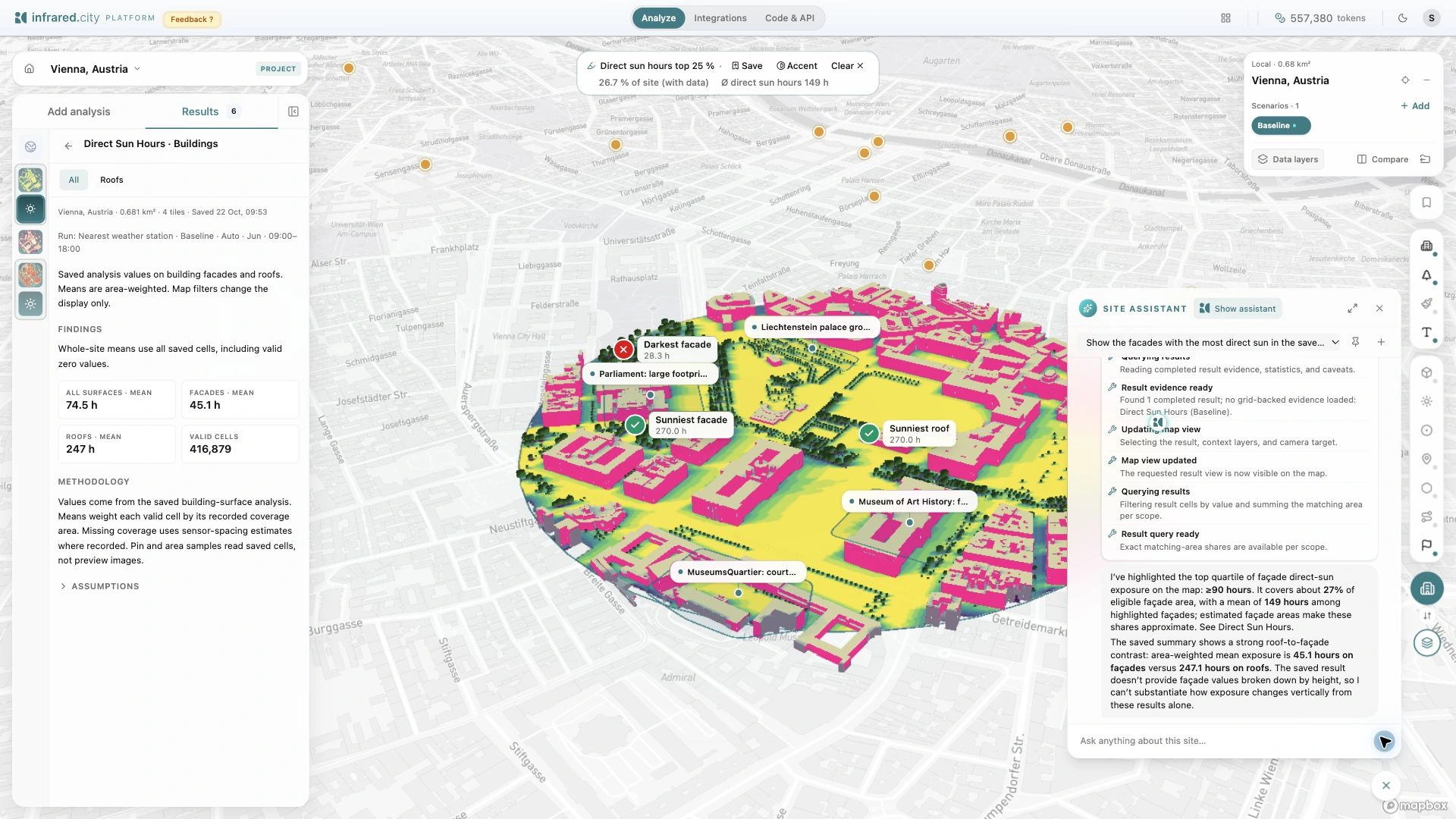
Use the Site Assistant with saved results
Ask a site question, inspect the evidence and highlight matching places or facades.
25 Oct 2026
Current platform
Use the Site Assistant with saved results
Ask a site question, inspect the evidence and highlight matching places or facades.
25 Oct 2026
Grasshopper
Run the engine inside Rhino: simulations, form finding, heat-trapped zones and materials.
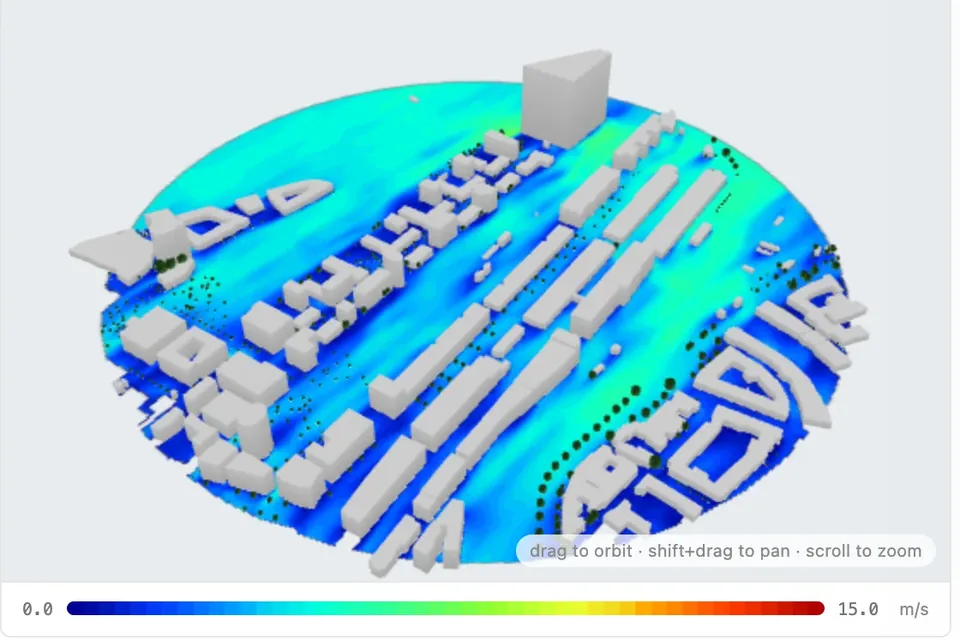 The Full infrared SDK, Inside Your Parametric Workflow
Run any climate analysis (wind, thermal, solar) at any scale, directly from Grasshopper. The results stay in your model.
10 Sept 2026
The Full infrared SDK, Inside Your Parametric Workflow
Run any climate analysis (wind, thermal, solar) at any scale, directly from Grasshopper. The results stay in your model.
10 Sept 2026
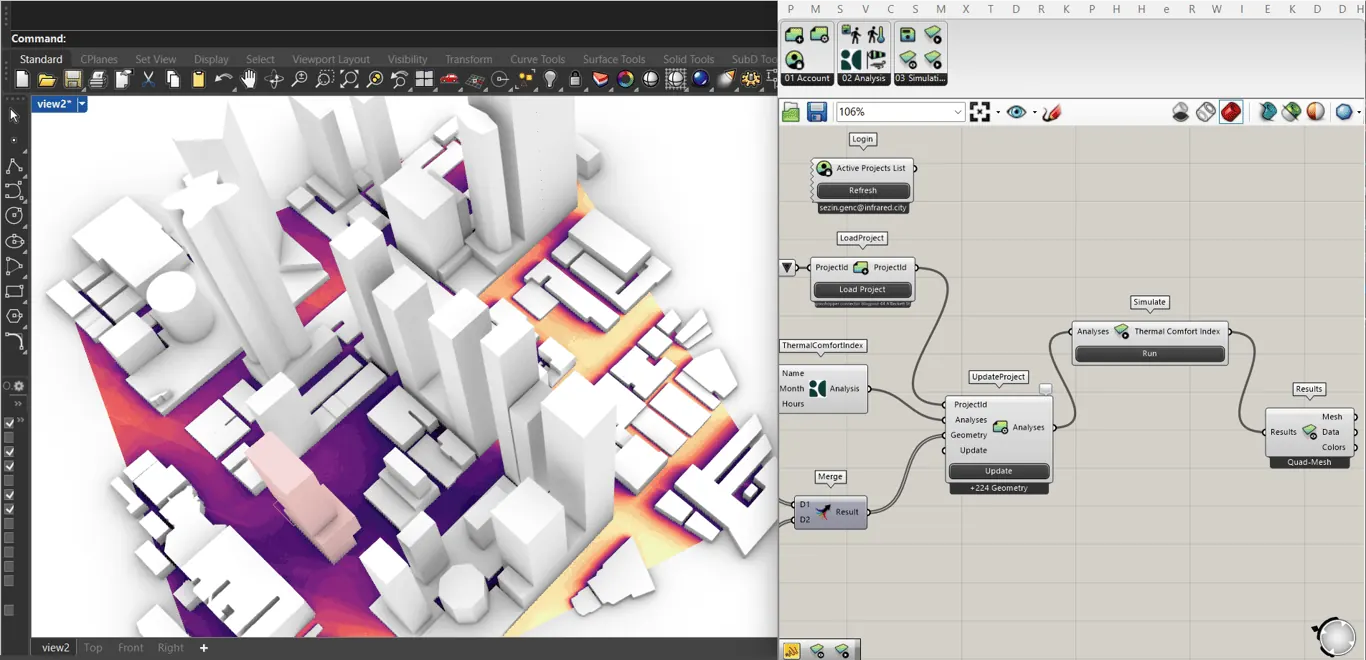 Getting started with Connectors: infrared.city in Grasshopper
Learn how to integrate infrared.city with Rhino/Grasshopper workflows in this comprehensive tutorial. Follow step-by-step instructions to install the plugin, authenticate your account, load projects, set up analyses, and run simulations.
17 Jul 2025
Getting started with Connectors: infrared.city in Grasshopper
Learn how to integrate infrared.city with Rhino/Grasshopper workflows in this comprehensive tutorial. Follow step-by-step instructions to install the plugin, authenticate your account, load projects, set up analyses, and run simulations.
17 Jul 2025
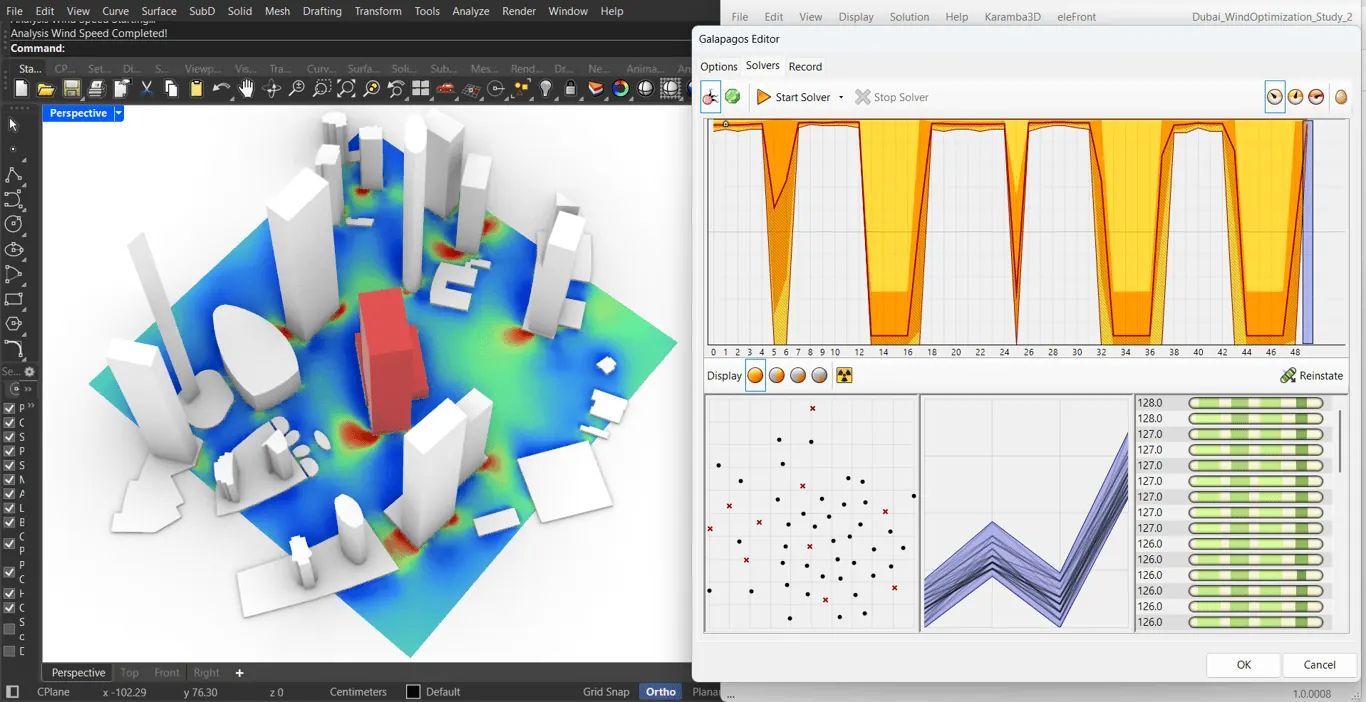 Performance-Based Form Optimization Using Galapagos + infrared.city
This workflow couples infrared.city’s wind simulation with Galapagos to optimize massing configurations under a fixed building volume, using mesh-based wind metrics to reduce both high-speed acceleration zones and low-speed stagnation areas.
2 Dec 2025
Performance-Based Form Optimization Using Galapagos + infrared.city
This workflow couples infrared.city’s wind simulation with Galapagos to optimize massing configurations under a fixed building volume, using mesh-based wind metrics to reduce both high-speed acceleration zones and low-speed stagnation areas.
2 Dec 2025
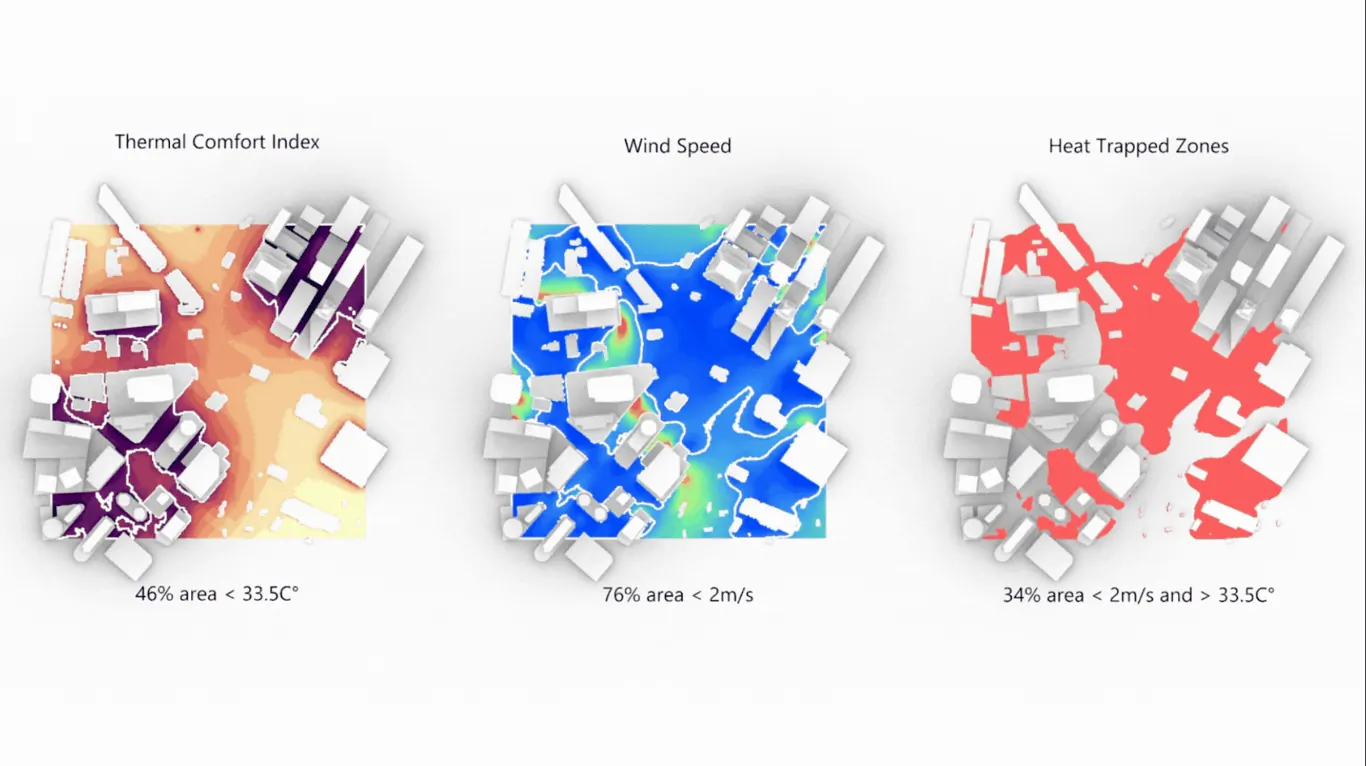 Mapping Heat-Trapped Zones with Grasshopper Connector
This tutorial walks through a complete Grasshopper workflow for multi-parameter filtering, from project setup and geometry updates to threshold-based visualization. See how intersecting thermal comfort and wind speed results can uncover microclimate risks and support evidence-based design refinement.
22 Oct 2025
Mapping Heat-Trapped Zones with Grasshopper Connector
This tutorial walks through a complete Grasshopper workflow for multi-parameter filtering, from project setup and geometry updates to threshold-based visualization. See how intersecting thermal comfort and wind speed results can uncover microclimate risks and support evidence-based design refinement.
22 Oct 2025
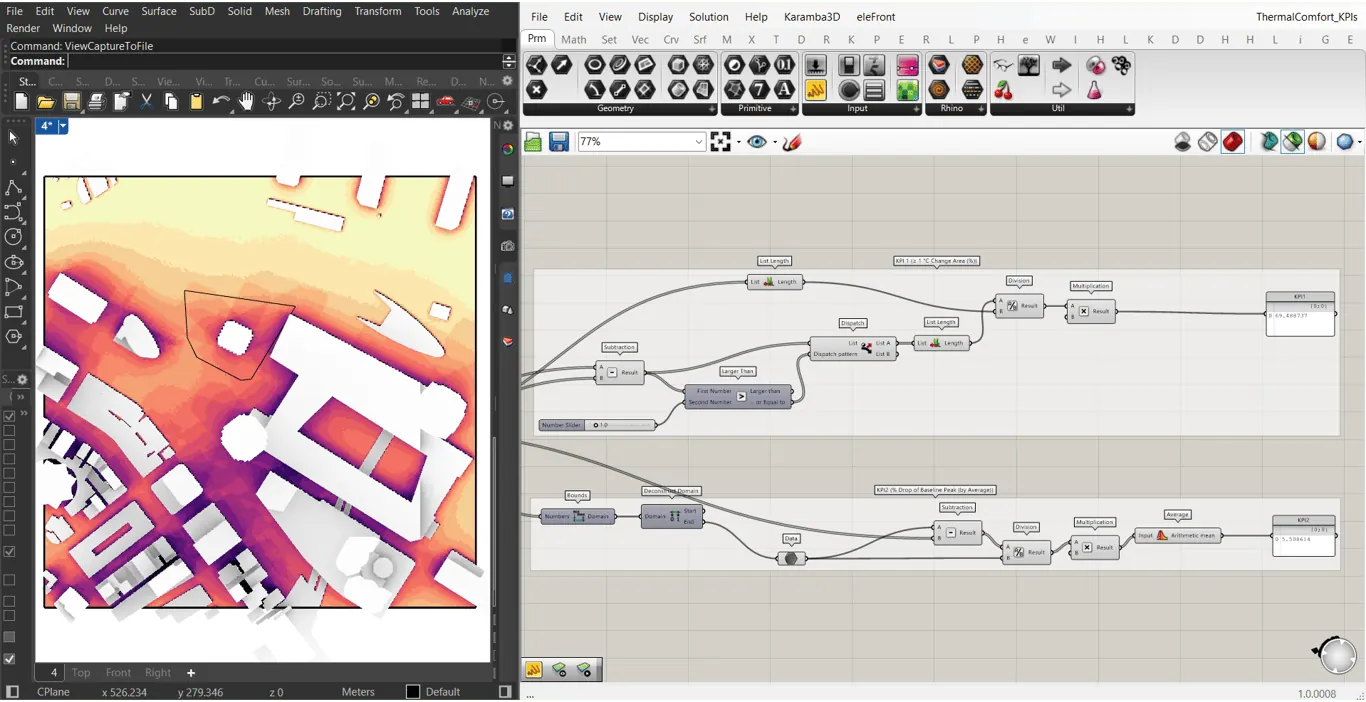 Getting started: Post-Process Thermal Comfort Results
Build KPI workflows in Grasshopper with the infrared.city plugin, post-process thermal comfort, compare scenarios, and assess interventions with custom metrics.
23 Sept 2025
Getting started: Post-Process Thermal Comfort Results
Build KPI workflows in Grasshopper with the infrared.city plugin, post-process thermal comfort, compare scenarios, and assess interventions with custom metrics.
23 Sept 2025
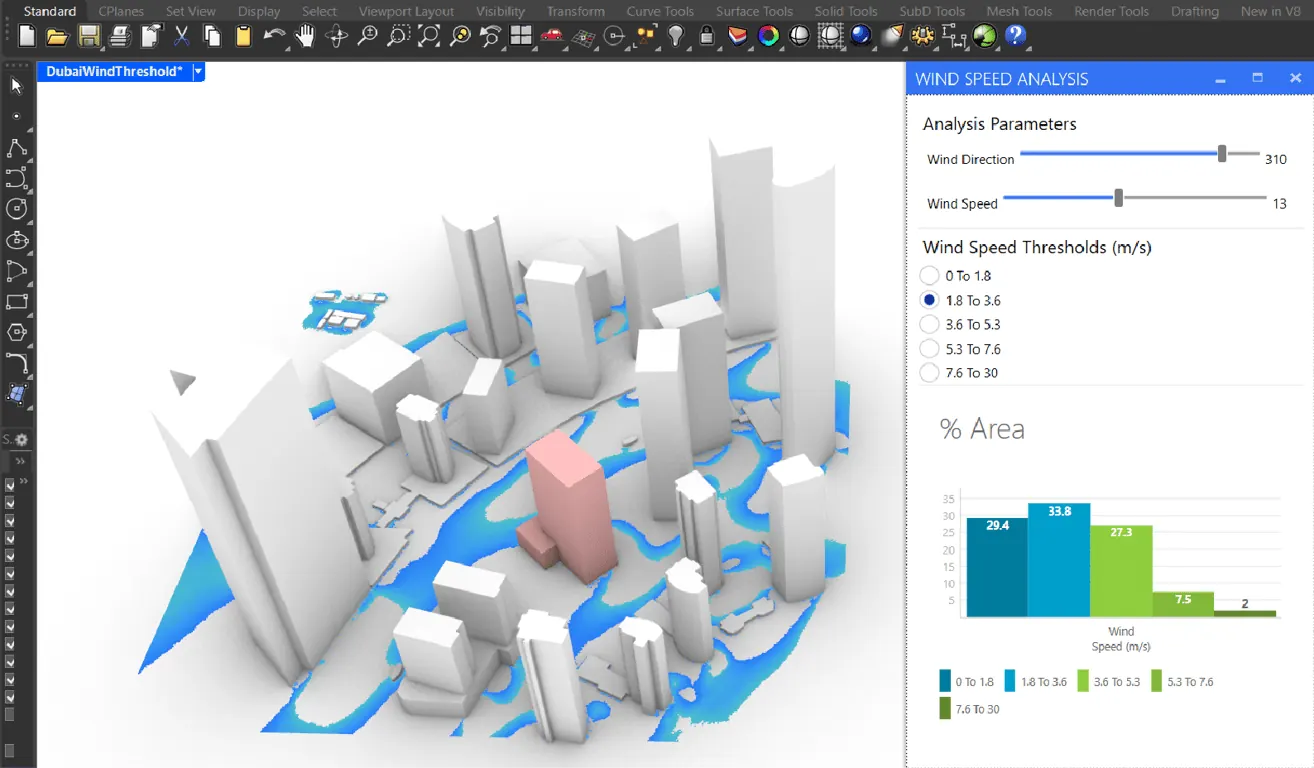 Getting started: Post-Process Wind Comfort Results
Learn to post-process wind simulation results from infrared.city using a pre-made Grasshopper script and Human UI dashboard. Get step-by-step instructions to load your project, connect geometry, define wind speed thresholds, and interactively visualize performance.
18 Jul 2025
Getting started: Post-Process Wind Comfort Results
Learn to post-process wind simulation results from infrared.city using a pre-made Grasshopper script and Human UI dashboard. Get step-by-step instructions to load your project, connect geometry, define wind speed thresholds, and interactively visualize performance.
18 Jul 2025
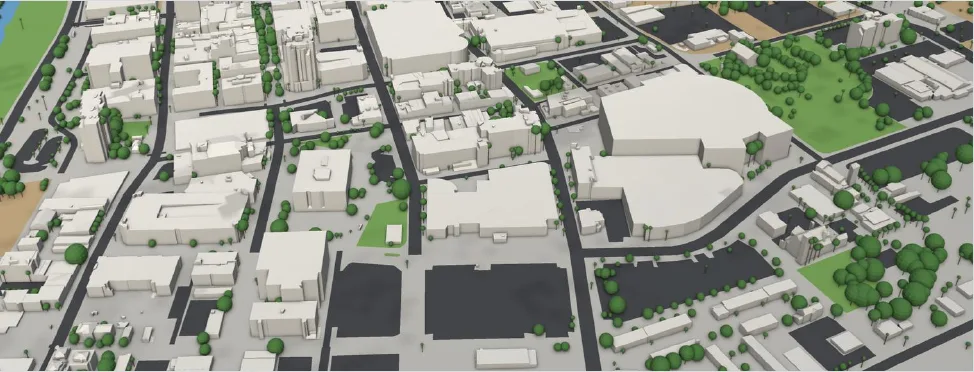 Depave or plant trees? A felt-temperature study in downtown Memphis
An example study: four design options for asphalt parking lots in downtown Memphis, compared by felt temperature (UTCI) at 3 pm and by summer hours that feel too hot. What depaving does, what trees do, and what it costs.
30 Oct 2026
Depave or plant trees? A felt-temperature study in downtown Memphis
An example study: four design options for asphalt parking lots in downtown Memphis, compared by felt temperature (UTCI) at 3 pm and by summer hours that feel too hot. What depaving does, what trees do, and what it costs.
30 Oct 2026
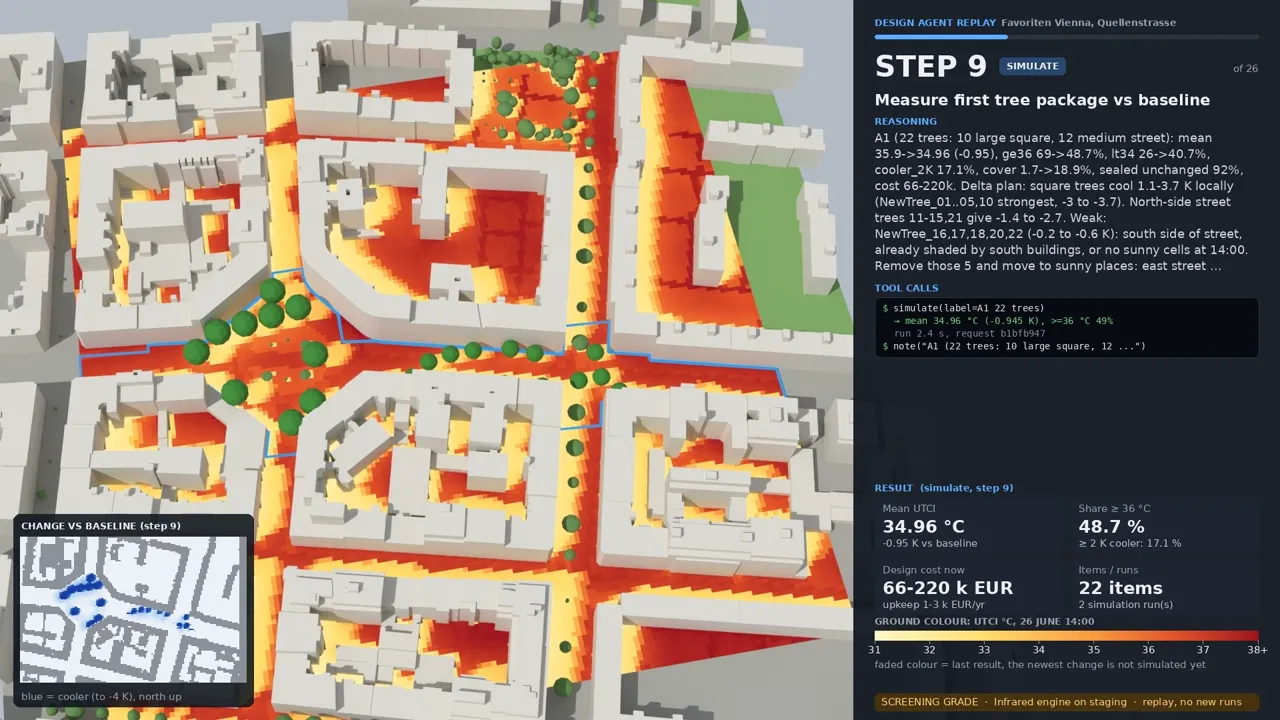 Trees, shade sails or new surfaces? Designing a cool street in Vienna
An AI agent tests design variants for a hot street and square in Vienna with Infrared Core: trees, shade sails, pergolas and ground surfaces, compared by felt temperature (UTCI), the share of space above 36 °C and cost.
30 Oct 2026
Trees, shade sails or new surfaces? Designing a cool street in Vienna
An AI agent tests design variants for a hot street and square in Vienna with Infrared Core: trees, shade sails, pergolas and ground surfaces, compared by felt temperature (UTCI), the share of space above 36 °C and cost.
30 Oct 2026
QGIS and ArcGIS
Bring results into your GIS with the QGIS and ArcGIS Pro plugins.
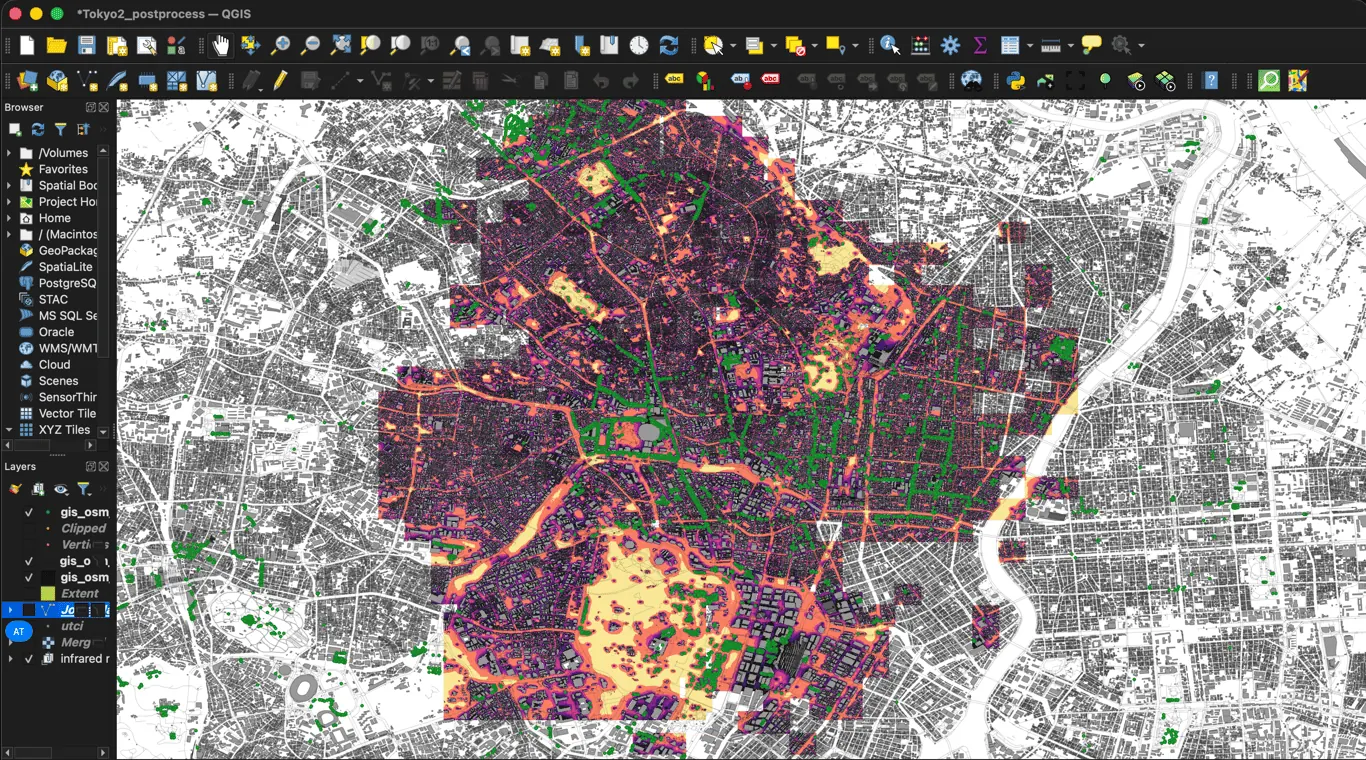 infrared.city in QGIS
The infrared.city QGIS plugin is now available. Run wind, thermal comfort, and solar simulations on your urban projects, directly inside your GIS environment.
7 May 2026
infrared.city in QGIS
The infrared.city QGIS plugin is now available. Run wind, thermal comfort, and solar simulations on your urban projects, directly inside your GIS environment.
7 May 2026
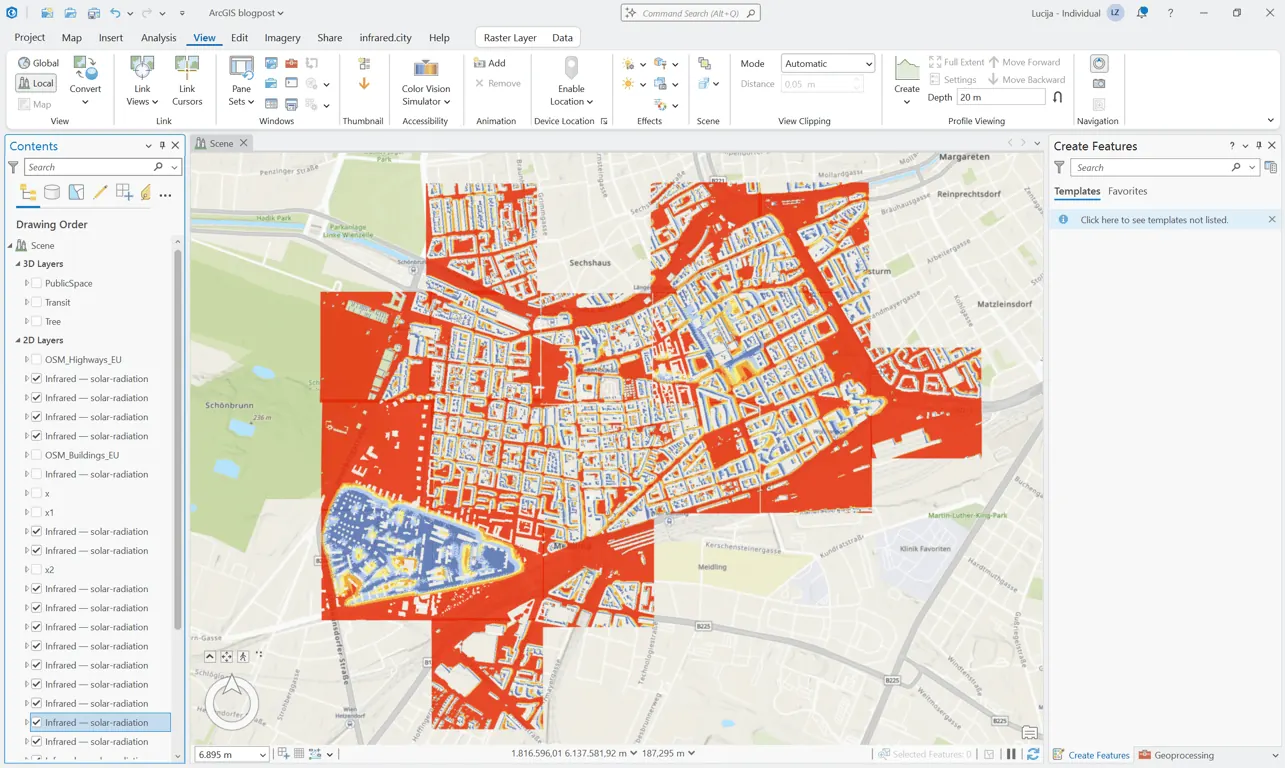 infrared.city in ArcGIS
The infrared.city ArcGIS Pro plugin is now available. You can model how wind, sun, and thermal comfort behave across your urban designs, then add trees and watch the results render on the map in seconds. Connect once with an API key and start testing ideas, no exports required.
29 Jun 2026
infrared.city in ArcGIS
The infrared.city ArcGIS Pro plugin is now available. You can model how wind, sun, and thermal comfort behave across your urban designs, then add trees and watch the results render on the map in seconds. Connect once with an API key and start testing ideas, no exports required.
29 Jun 2026
SDK and API
Run the engine from code. Start with the quickstart.