Plugins

The engine inside the tools your team already uses.

See all integrations

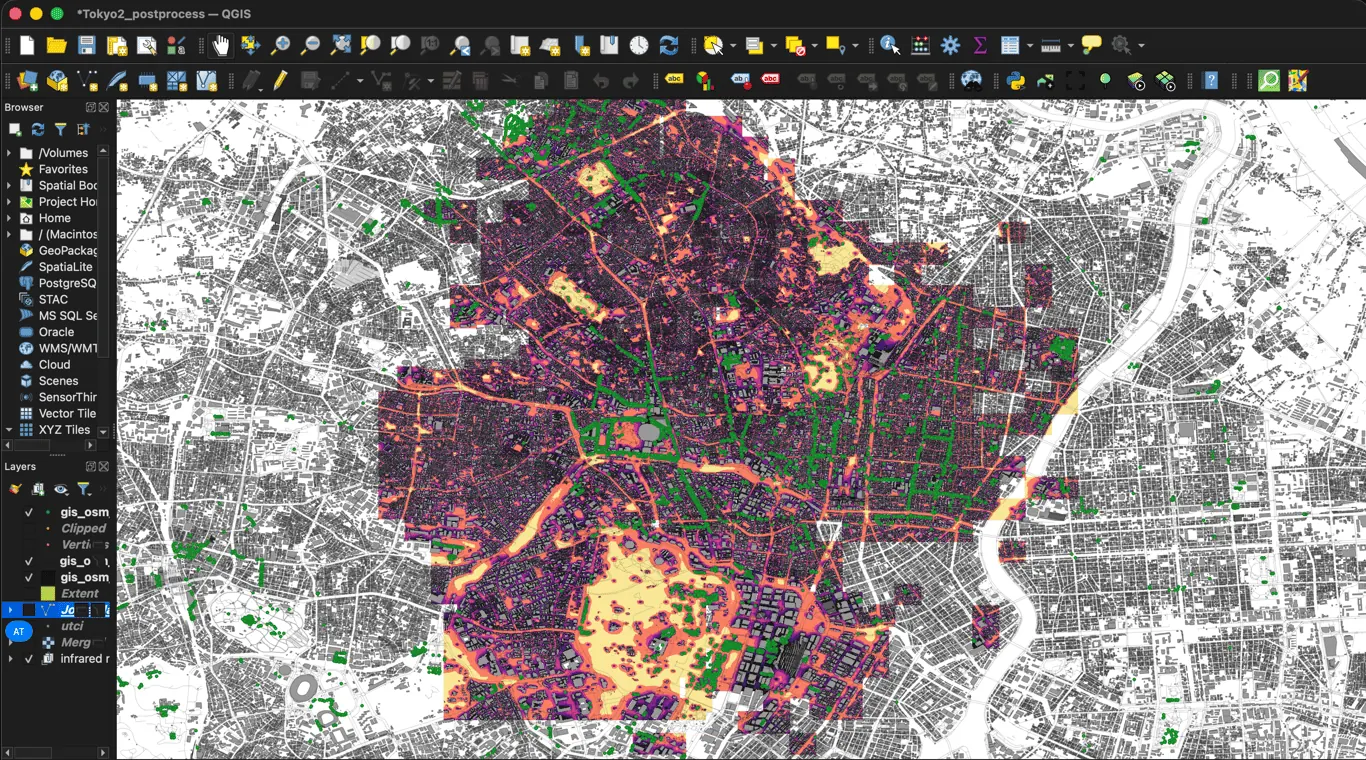
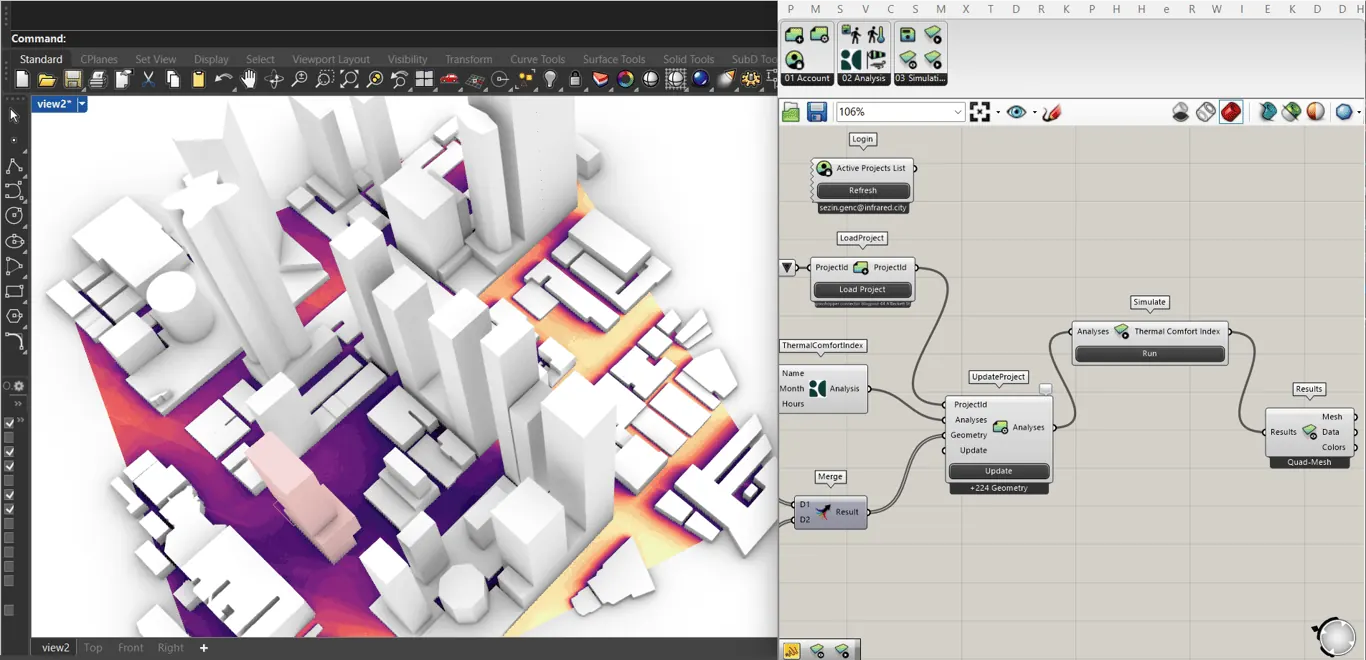
The plugins connect your design tool to the same engine and the same account as the platform. No export and no second model: sign in, load a project, and the result comes back on your own geometry. Runs use the same tokens as the platform.

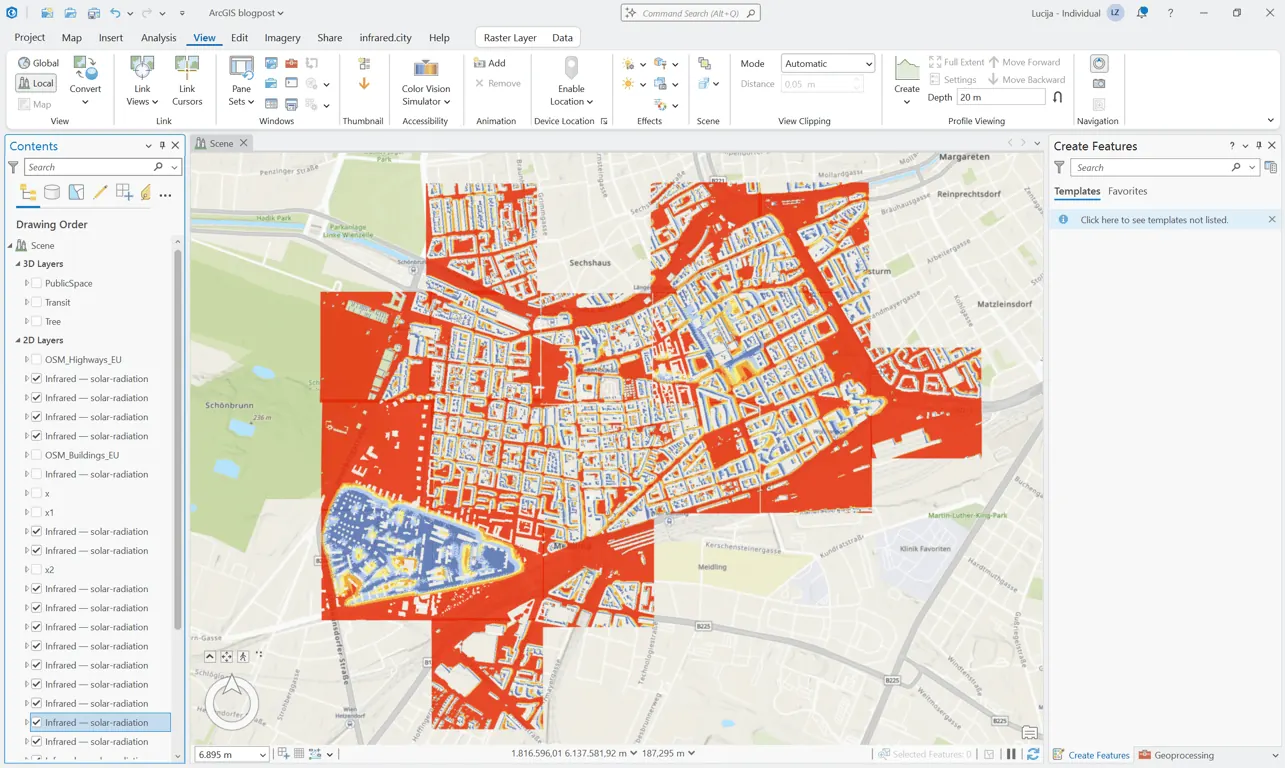
ArcGIS Pro map with a solar radiation result drawn over the buildings of a district

ArcGIS Pro

ArcGIS Pro 3.0 or higher
Live

An add-in with its own tab on the ribbon. Pick a 512 m tile on the map, add trees, and run. Use your own layers or the OSM buildings of the Living Atlas. The result is a layer on the map, with a legend.

Working in Revit, SketchUp or another tool?
Script it yourself with our AI agent skill

Get started

Pick the way you work. Each link goes to a short guide or a repository you can use today.

The agentic way

Let your AI agent build it

Install the infrared.city agent skill in Claude Code, Cursor or Codex, then ask in plain words. The agent knows the SDK, runs real simulations with your key and writes the code for you.

/plugin marketplace add Infrared-city/infrared-skills about 2 min

Get the agent skill
  • “Build a Grasshopper component that runs wind comfort on my towers.”
  • “Make me a QGIS tool that maps heat stress for our districts.”
  • “Build a web app where clients compare sun hours on two designs.”
  • “Run UTCI on this site and tell me where it is hottest.”

Agent skill

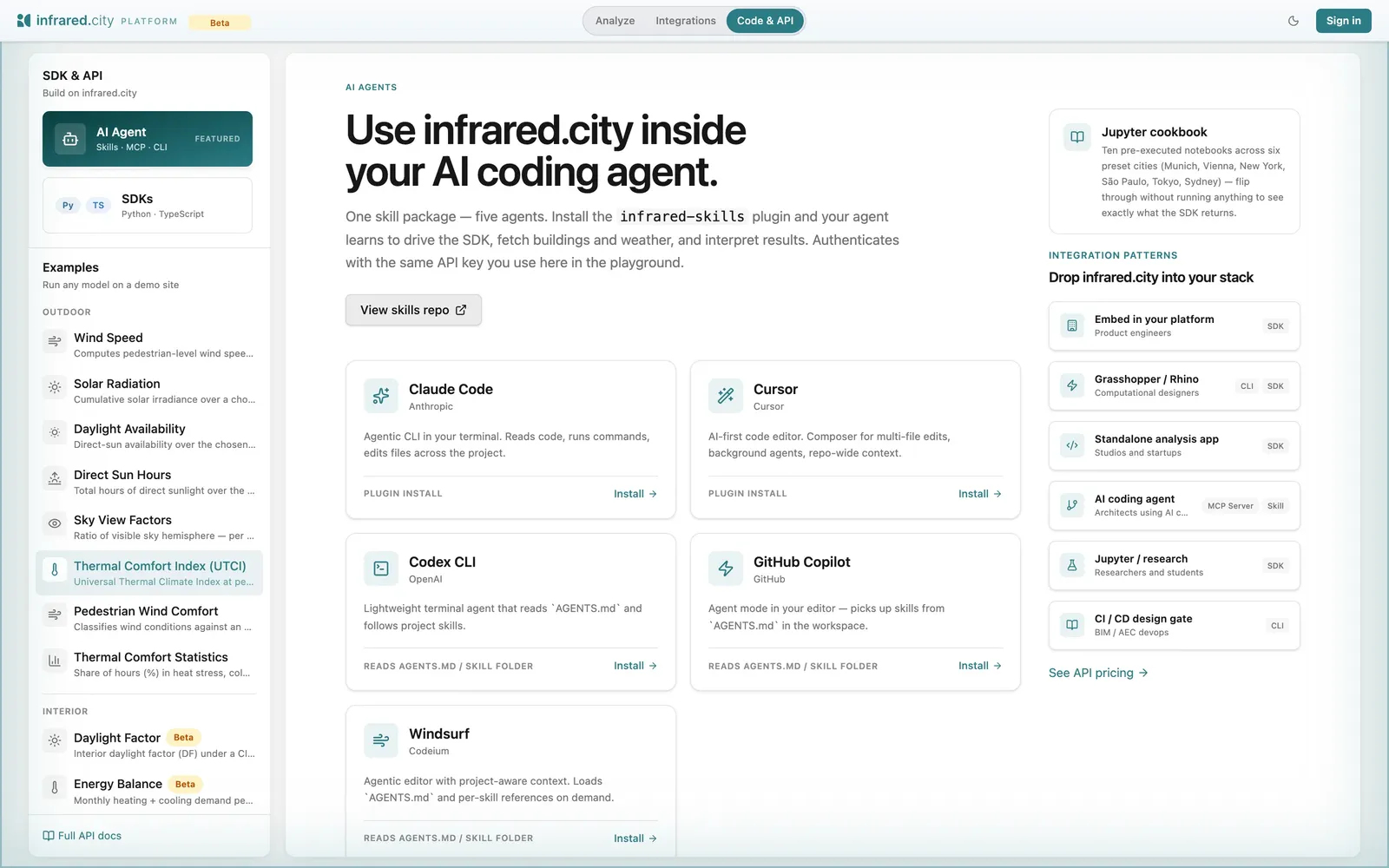
The agent skill page in the platform: install steps for Claude Code, Cursor, Codex CLI, GitHub Copilot and Windsurf

Two commands install the skill in Claude Code or Cursor. Codex CLI, Copilot and Windsurf read its AGENTS.md.

The skill tells the assistant which analysis answers which question and how to read the units. It then runs real simulations with your key, and does not invent numbers.